Microsoft Backup Integration · Keepit
Cutting Microsoft 365 backup and restore from hours to minutes
I led UX for Keepit’s Microsoft 365 integration. Backup and restore got 73% faster on 7 TB of test data.
The problem
Enterprise restores took hours, and they had to fit flows users already knew
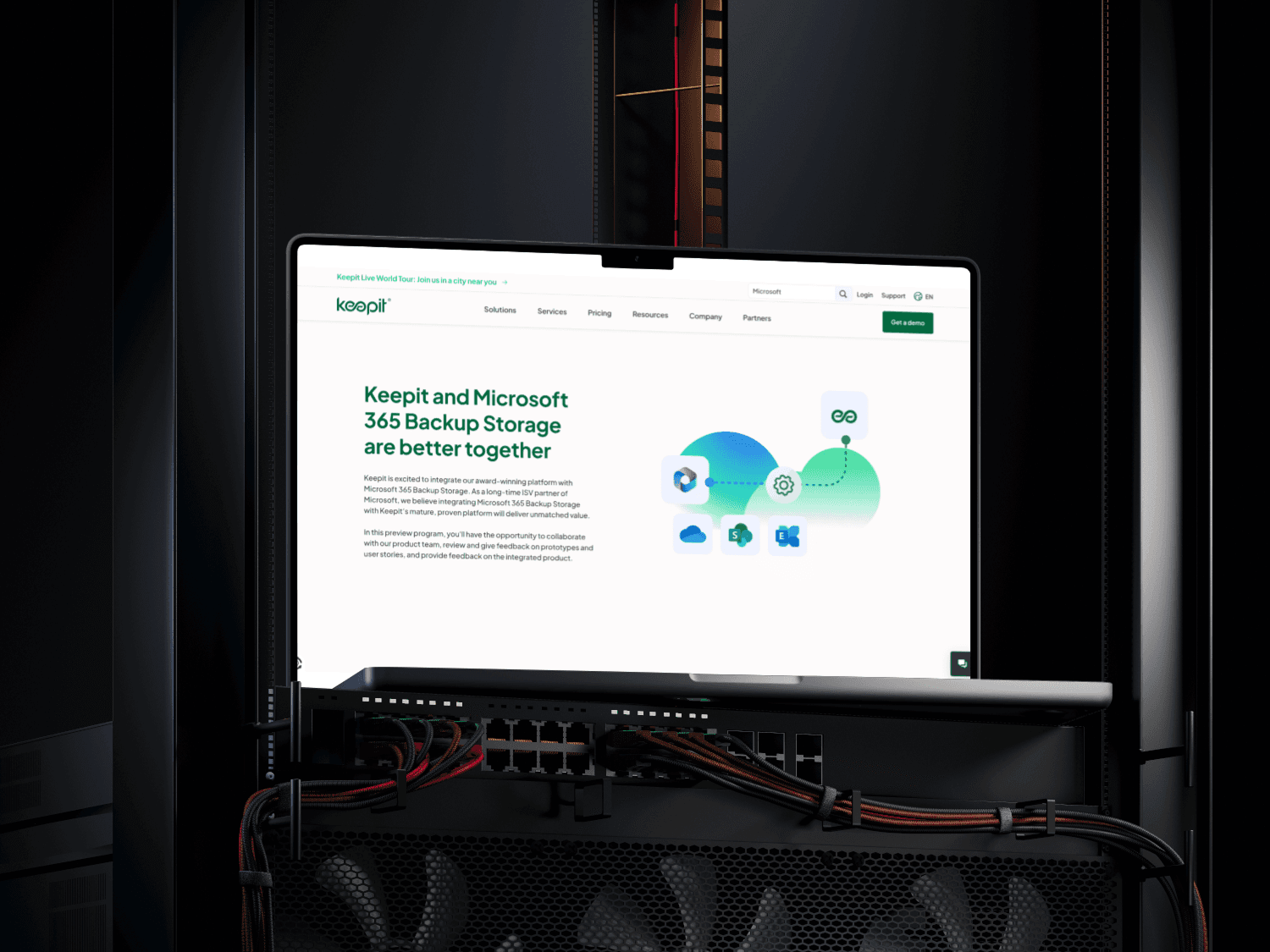
Keepit needed Microsoft 365 backup inside its existing platform: OneDrive, SharePoint, Teams and Exchange. It had to be fast, enterprise-secure and easy to use.
The work meant rethinking onboarding, working within Microsoft’s APIs and simplifying complex workflows.
What I did
I designed the integration end to end, from onboarding to deletion
I led UX from strategy to delivery with a PM, frontend and backend engineers, QA and a solution architect.
I mapped the product lifecycle in four phases, tested low fidelity, then validated a high-fidelity prototype in a second round of usability testing.
Impact
73% faster backup and restore, in 5 months
Recovery time for enterprise data dropped from hours to minutes. Enterprise users can now meet backup regulations and data compliance standards.
73%
faster backup and restore on 7 TB of test data
Hours → minutes
backup and recovery time for enterprise data
01 · Goals
What we set out to do
- Integrate Microsoft 365 in a way that fits existing user flows
- Improve backup and restore performance and usability
02 · My role
Owning UX alongside engineering and product
I led UX from strategy to delivery: identifying gaps, designing end-to-end flows, validating designs through testing, and aligning closely with engineering and product managers.
03 · Process
Four phases, two rounds of testing
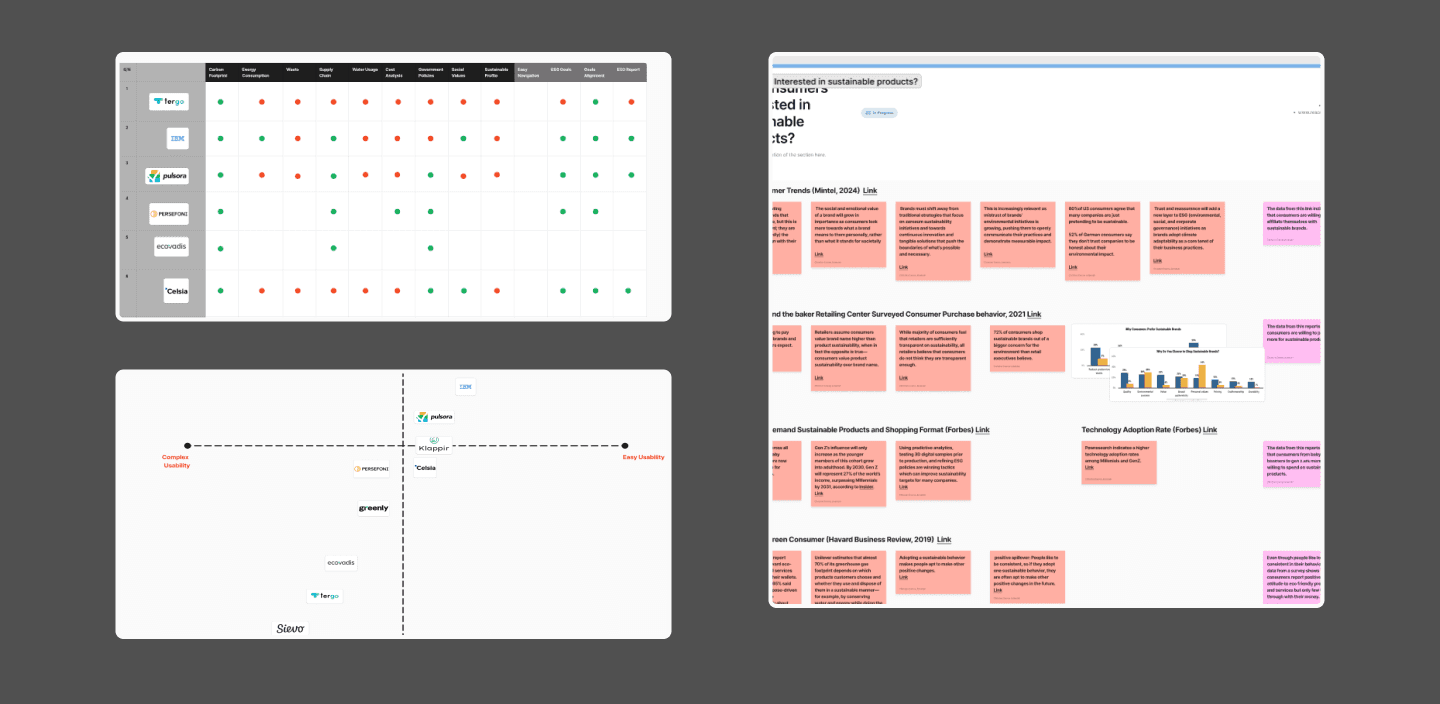
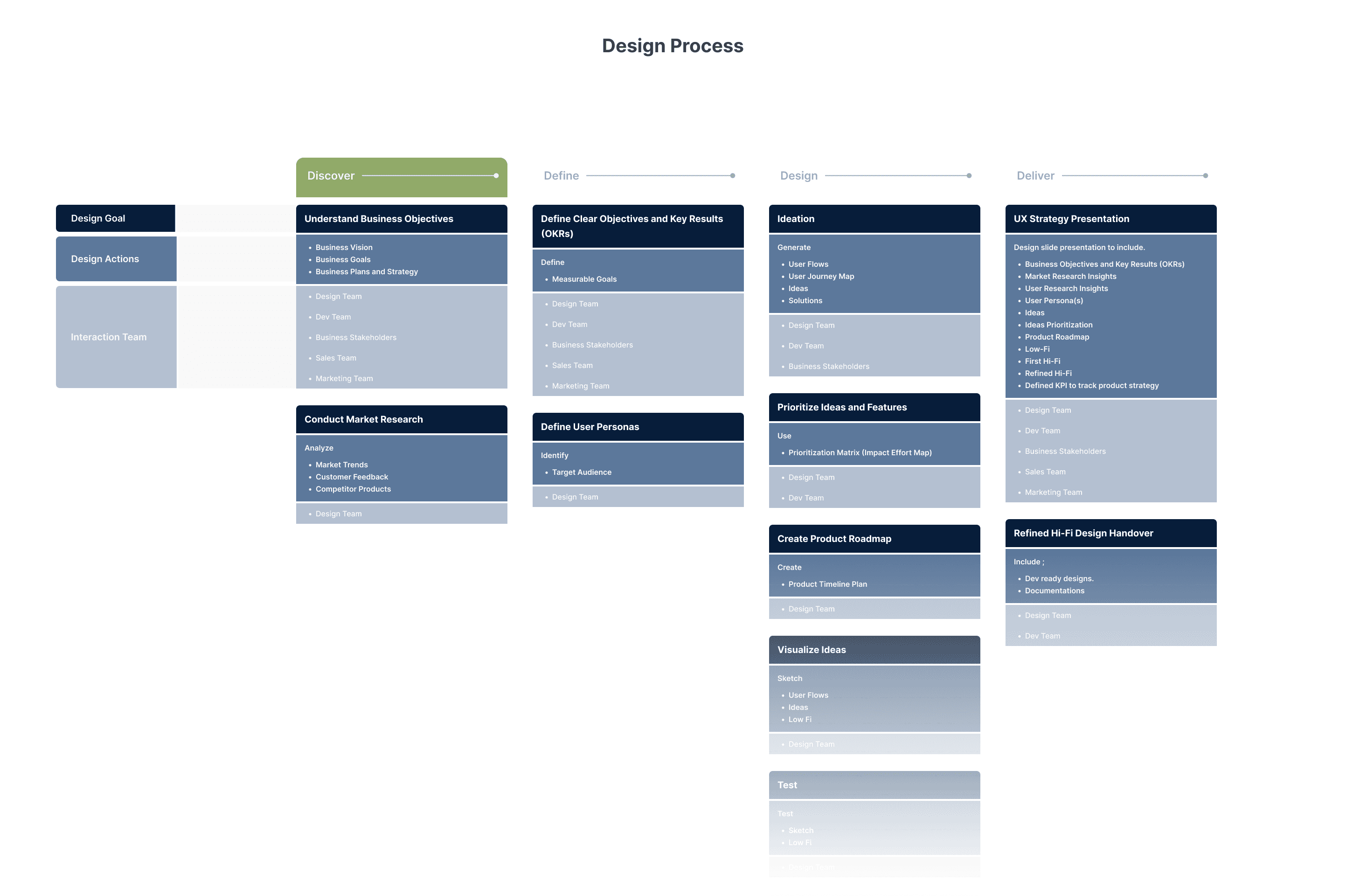
The work followed four phases: discovery, define, design and delivery. I ran stakeholder interviews to uncover technical roadblocks, reviewed the Microsoft Graph APIs and their data limits, and facilitated workshops to align on scope and value.
The product lifecycle was broken into four phases for the Microsoft 365 integration: onboarding, data management, data restore and integration deletion. A journey map and first flows went to an alignment meeting with project managers and front-end and back-end developers.
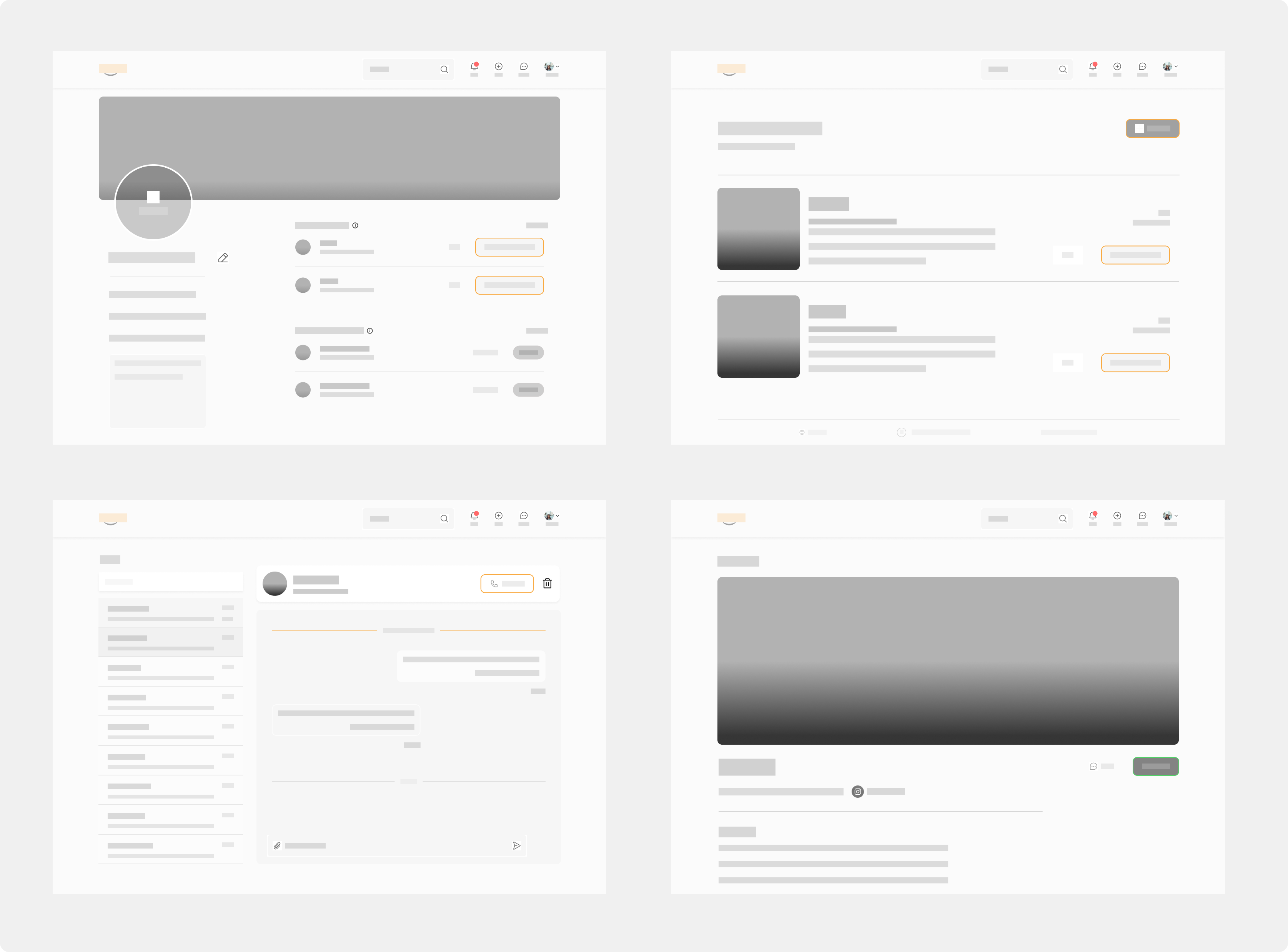
Low-fidelity designs went to a first round of testing. The feedback shaped a high-fidelity prototype, and a second usability test validated the decisions. A missing piece, the notification component, was designed and documented in Supernova, our design documentation database.
04 · How we measured it
Four measures showed where to fine-tune
Error rate, completion rate, learnability and satisfaction, so we could see where the design worked and where it needed fine-tuning.
05 · Results
Hours became minutes
Enterprise users can now meet data recovery and backup regulations and the standards for data compliance.
06 · Other project contributions
Beyond the integration
I contributed as a team member to these projects too, collaborating on the final design.
- Anomaly detection
- Dashboard 2.0 redesign
- Public link protection
- Policy creation and management